AR stakeout: using a live view without losing coordinate discipline
A camera overlay can make point finding more intuitive, while the underlying survey still depends on positioning quality.
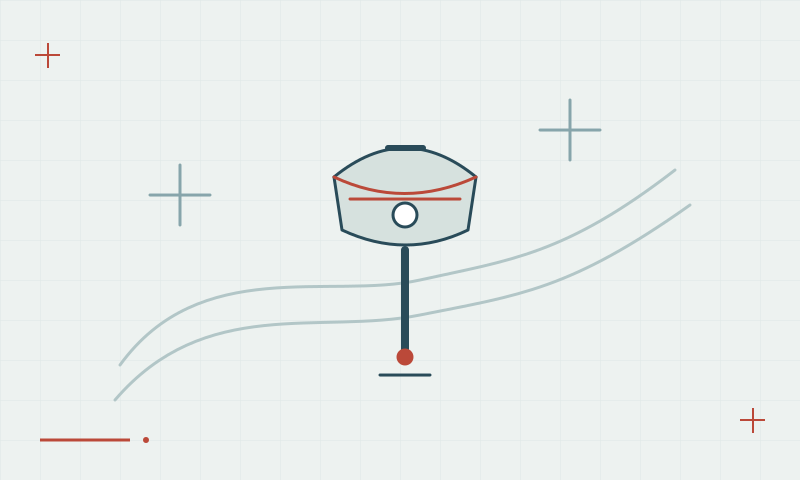
Visual guidance is an interface to the design
AR stakeout overlays design guidance on a camera view. It can help an operator understand the direction to a point, but the display relies on the position, orientation and design data being correct. A convincing overlay does not independently verify the coordinate reference, height or final stake position.
Continue learning Laser GNSS: measuring points that are difficult to approach
Verify the point numerically and independently
Confirm the design revision and reference settings, then use the controller residuals and project checks to assess the final position. The EQ20 brochure describes AR stakeout and two 5 MP cameras; confirm the delivered software workflow and configuration with the team before planning a particular field procedure.
Continue learning A GNSS stakeout workflow from design to as-built check
Practical checklist
- Confirm design revision and coordinate references.
- Check numeric residuals as well as the camera view.
- Independently verify critical completed stake positions.
Plan your GNSS setup
Compare the EQ10 and EQ20 receiver specifications, then discuss the configuration and support your project needs.
Compare GNSS receivers