RTK will not fix: a practical troubleshooting order
Check the setup, correction flow and observations before repeatedly restarting equipment.
Separate configuration from reception
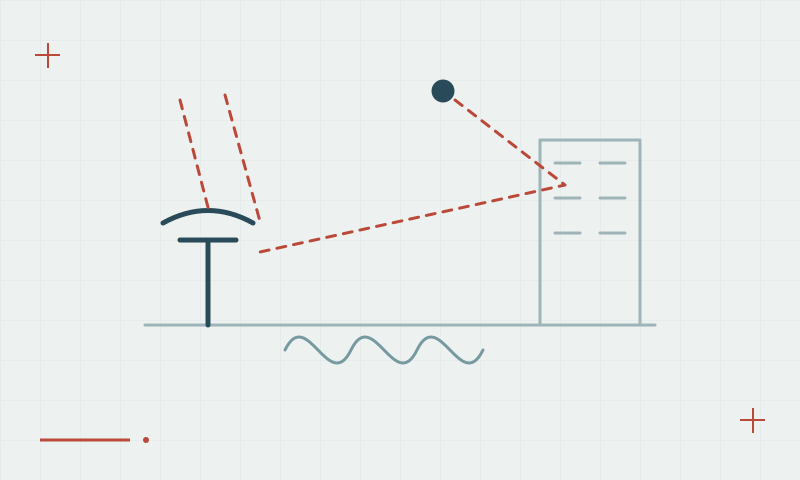
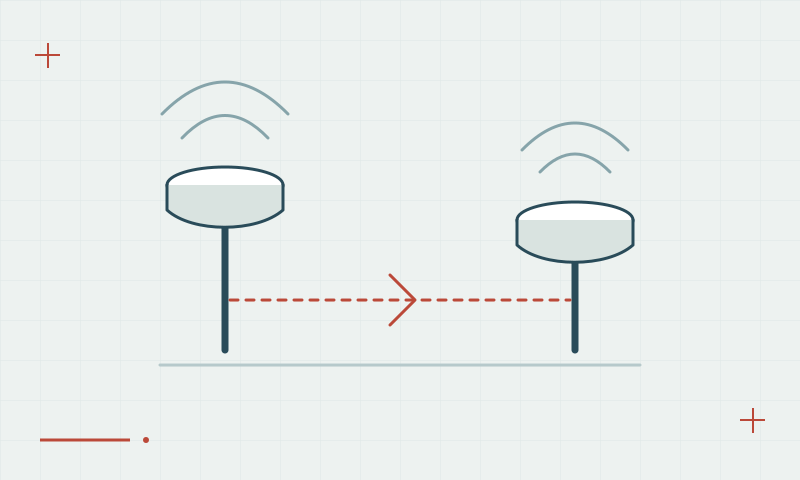
Begin with the reference coordinates, correction format, antenna setup and receiver configuration. Then confirm that corrections are arriving and being used. If these are sound, inspect sky visibility, reflections, satellite geometry and tracking continuity. Repeated resets cannot resolve a wrong mountpoint or an obstructed observation site.
Continue learning RTK Fixed vs Float: what the status means
Change one condition at a time
Move temporarily to a clear test location and compare the behavior against the original point. Record the symptom and configuration before changing firmware or settings. Once a stable solution returns, check a known point and obtain independent observations where the earlier interruption may have affected production data.
Continue learning Correction age and latency: why a connected rover can still struggle
Practical checklist
- Check configuration and correction use first.
- Test temporarily in a clearer observation location.
- Validate recovered positioning on independent control.
Plan your GNSS setup
Compare the EQ10 and EQ20 receiver specifications, then discuss the configuration and support your project needs.
Compare GNSS receivers