Caring for GNSS equipment in heat and rain
Plan protection, inspection and data handling around the actual equipment ratings and the conditions of the survey.
Start with the documented operating conditions
GNSS equipment is designed for stated environmental conditions, and those conditions differ between receivers, controllers and accessories. Read the exact product guidance before planning field protection. An enclosure rating for one component does not automatically apply to an open connector, a charger or a phone used for corrections. Treat the system as a set of components whose individual requirements must all be satisfied for the workflow to remain reliable.
Separate equipment protection from measurement quality. A receiver may remain operational in rain while the support settles in softened ground or the operator cannot hold the pole steadily. Heat may affect practical handling and power performance even when satellite tracking continues. The field plan should therefore address physical setup, observation conditions and the care of the devices rather than assuming a weather resistant housing resolves every consequence of the environment.
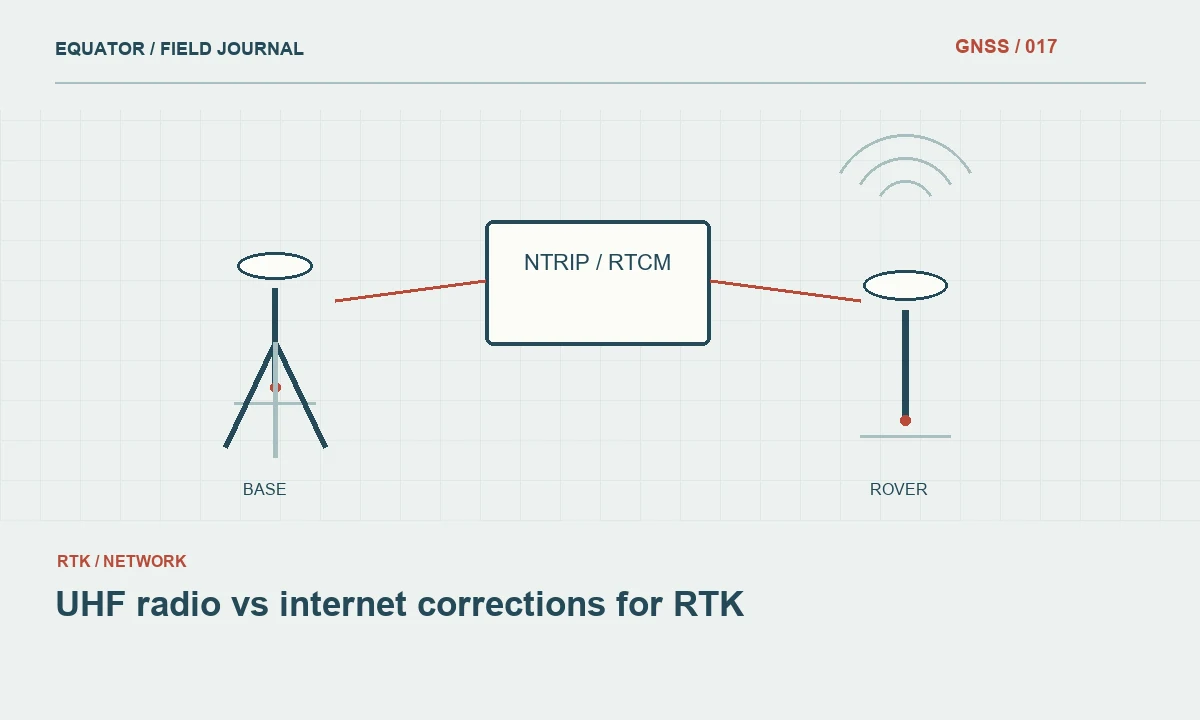
Continue learning UHF radio vs internet corrections for RTK
Prepare before exposure
Inspect seals, covers and connectors according to the manufacturer instructions. Confirm that protective parts are correctly fitted and that cables use the intended connections. Keep cases and spare components organized so a hurried field change does not expose an incompatible accessory or a missing cover. Do not apply improvised sealants or modifications that alter the equipment without an approved maintenance basis.
Prepare a practical place for charging, file transfer and inspection after the session. Those activities may have different environmental requirements from normal field operation. A project that expects frequent rain should not depend on opening equipment or connecting an unsuitable accessory in an exposed location. Planning these transitions is often more useful than adding another protective item whose effect on the operating workflow has not been tested.
Continue learning Diagnosing cycle slips in GNSS observations
Manage the antenna environment
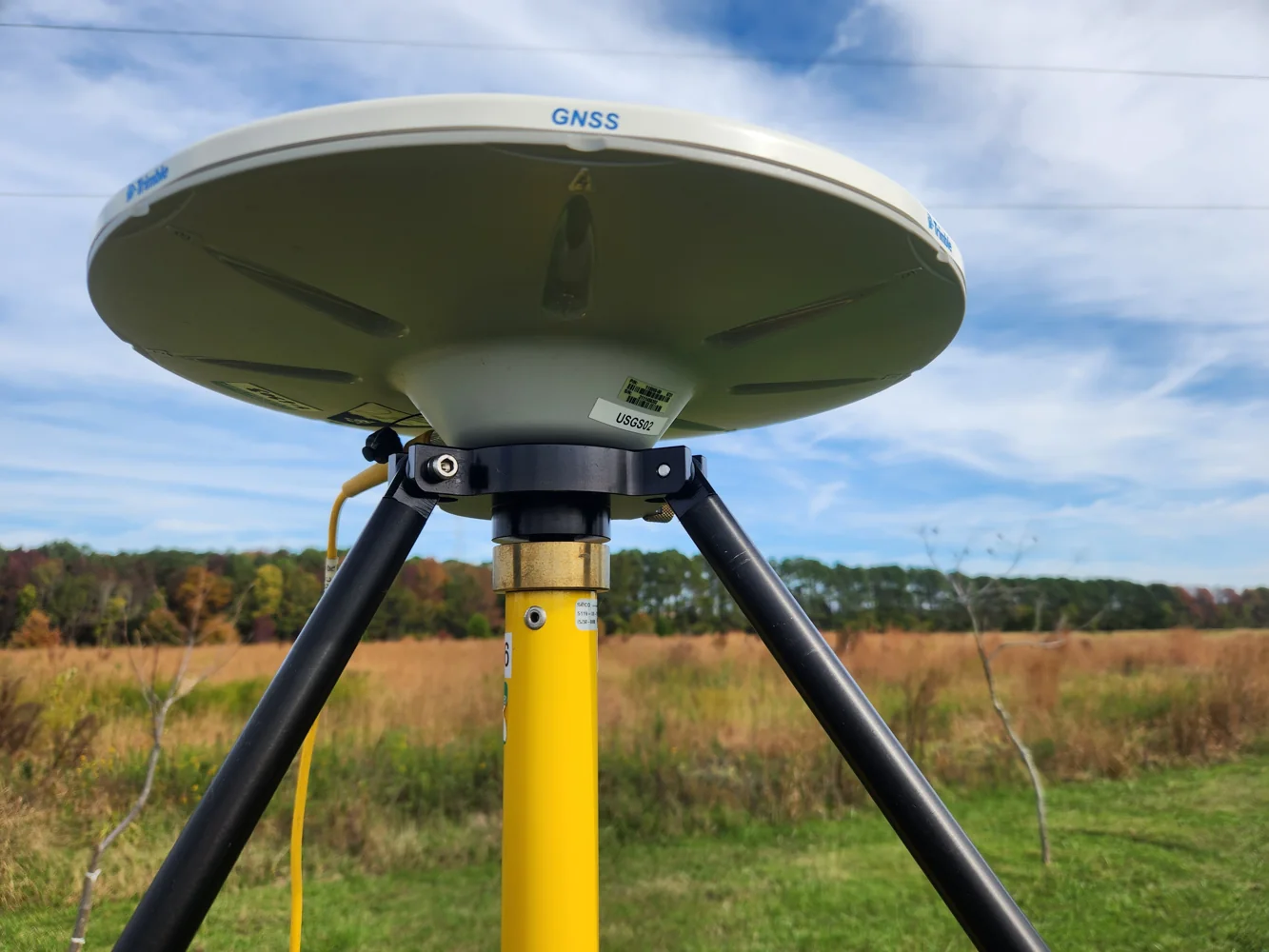
Avoid placing covers or nearby objects around the antenna in a way that creates an untested observation arrangement. Follow the manufacturer guidance for accessories and mounting. A protective solution should not introduce a reflective surface close to the antenna or obscure the defined height measurement points. If the arrangement changes, record it and perform the appropriate checks rather than assuming the geometry and signal environment remain equivalent.
For a base station, inspect support stability as conditions change. Rain can soften ground and create drainage around tripod legs; wind can load cables or accessories. Record disturbances and check the setup after relevant events. The receiver remaining powered is not evidence that the antenna stayed in the same position. Use physical inspection and independent rover checks as complementary parts of the monitoring procedure.
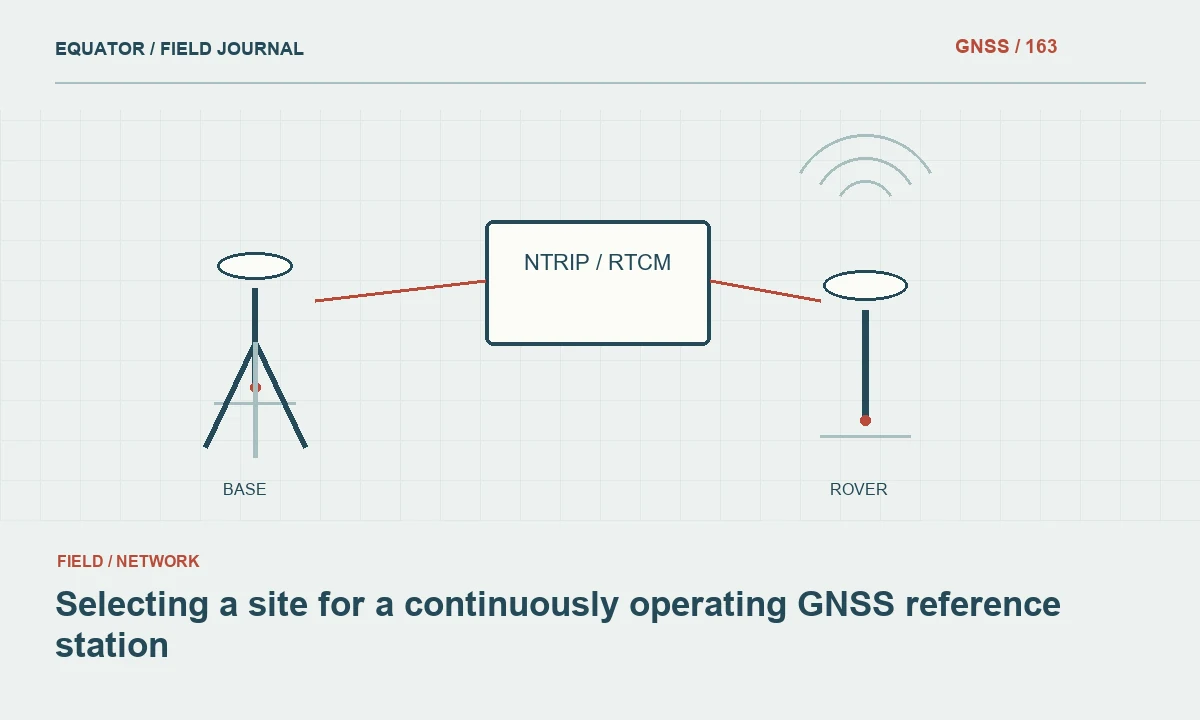
Continue learning Selecting a site for a continuously operating GNSS reference station
Protect practical observation quality
Keep the controller readable and the pole arrangement manageable under the conditions. A screen that is difficult to operate can lead to missed warnings or incorrect entries. The crew should be able to see solution state, correction age and the fields needed for the observation without changing the physical point definition. Test protective cases and mounting arrangements in advance rather than introducing an awkward new setup during critical production.
If the conditions prevent a stable occupation or reliable entry, pause and use the project escalation procedure. Do not compensate by repeatedly recording points until one looks plausible. Document the affected location and the reason for the delay or alternative method. Environmental field care includes recognizing when the working conditions no longer support the planned measurement procedure, even when the equipment has not technically failed.
Continue learning A GNSS crew handover that preserves the measurement state
Handle power and connections appropriately
Follow documented requirements for battery changes, charging and connector use. Keep the power arrangement stable and cables supported so protective handling does not pull on the antenna mount. Inspect connections after an interruption through the supported procedure. A connection issue during wet or dusty work may resemble a communications service failure, so preserve the symptoms and investigate the actual path instead of changing unrelated receiver settings.
Keep spare batteries and accessories in the intended storage conditions. Label used and charged components clearly so a hurried change does not add another interruption. If equipment shuts down unexpectedly, record the time and verify logging and correction settings after recovery. The event belongs in both the equipment note and the survey record because it may affect file continuity or observations collected around the interruption.
Continue learning UHF radio vs internet corrections for RTK
Inspect and clean after the session
Use the manufacturer cleaning and drying guidance for the exact equipment. Remove field contamination in a way that does not damage seals or connectors. Inspect mounting threads, pole locks and support components as well as the receiver housing. Dirt in a mechanical interface can change seating or make a later setup unreliable even when the electronics appear to operate normally.
Do not close the maintenance record merely because the device powers on after cleaning. Check any component that showed unusual behaviour and label unresolved issues. Preserve the event description with equipment identifiers so the next crew knows what occurred. If a protective cover or accessory was replaced, verify that the assembled system still matches the approved antenna geometry and operating arrangement before it returns to critical survey work.
Continue learning Diagnosing cycle slips in GNSS observations
Secure data before equipment moves on
Copy required observations, setup notes and photographs through the approved workflow. Inspect that the expected intervals and files are present. An environmentally difficult session may include more interruptions than usual, so reconcile the event log with raw files and production points. Keep uncertain observations marked for review rather than allowing the final export to imply that every point was collected under the same conditions.
Record the practical limits encountered. If a work zone repeatedly became inaccessible or the communications device could not operate reliably in the chosen protection, use that evidence to revise the plan. Avoid general claims that a product is suitable for every weather condition based on one successful session. The useful record describes what was used, what happened and which checks supported the accepted observations.
Continue learning Selecting a site for a continuously operating GNSS reference station
Improve the next campaign with specific evidence
Review recurring issues by component and workflow stage. A controller protection problem, unstable tripod location and connector maintenance issue require different responses. Choose changes that address the observed cause and test them as part of the full system. Adding protection without considering handling, signals and geometry can solve one difficulty while creating another that remains hidden until fieldwork resumes.
For example, after heavy rain softens a base location, the next plan may use a more suitable support site and a documented overlap check rather than simply covering the receiver more thoroughly. That decision addresses the measurement consequence directly. Good field care preserves serviceable equipment and a known observation state. It combines documented operating conditions, practical protection, physical inspection and clear records of any event that may influence the survey.
Inspect protective cases and storage spaces as well as the device. Moisture or dirt retained in a case can affect the next setup after the field exposure has ended. Follow the relevant care instructions and keep any unresolved condition visible in the equipment handover, rather than assuming the problem ended when the receiver was packed away.
Continue learning A GNSS crew handover that preserves the measurement state
Practical checklist
- Check operating guidance for every component and accessory.
- Monitor support and observation conditions as well as device operation.
- Record interruptions and inspect the complete system after exposure.
Plan your GNSS setup
Compare the EQ10 and EQ20 receiver specifications, then discuss the configuration and support your project needs.
Compare GNSS receivers