Reading correction age and diagnosing delayed RTK data
Use correction age to examine the timeliness of the data arriving at a rover and respond to delays without hiding them.
Know what the displayed age represents
Correction age generally describes how old the correction information is relative to the rover processing time. The precise definition and display behaviour depend on the receiver software. Read the instrument documentation so the crew understands whether the number refers to the latest usable message, a particular observation epoch or another internal measure. A communications icon can show a connection even while useful correction data has stopped arriving.
Treat correction age as a time diagnostic rather than a complete accuracy statement. Fresh corrections cannot correct a wrong reference coordinate, poor antenna setup or severe local multipath. Old corrections can indicate a delivery or source problem that deserves attention even when the rover still displays fixed. Record the value with important observations where the controller supports it, together with solution state and check results.
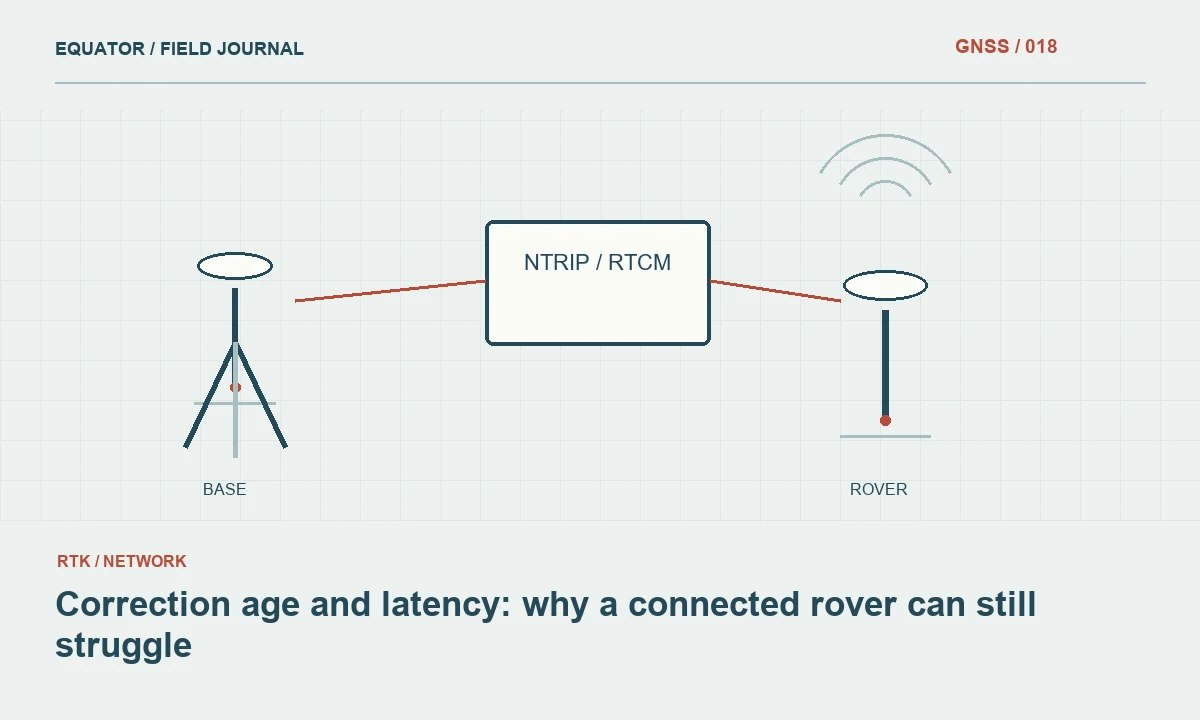
Continue learning Correction age and latency: why a connected rover can still struggle
Follow the data path
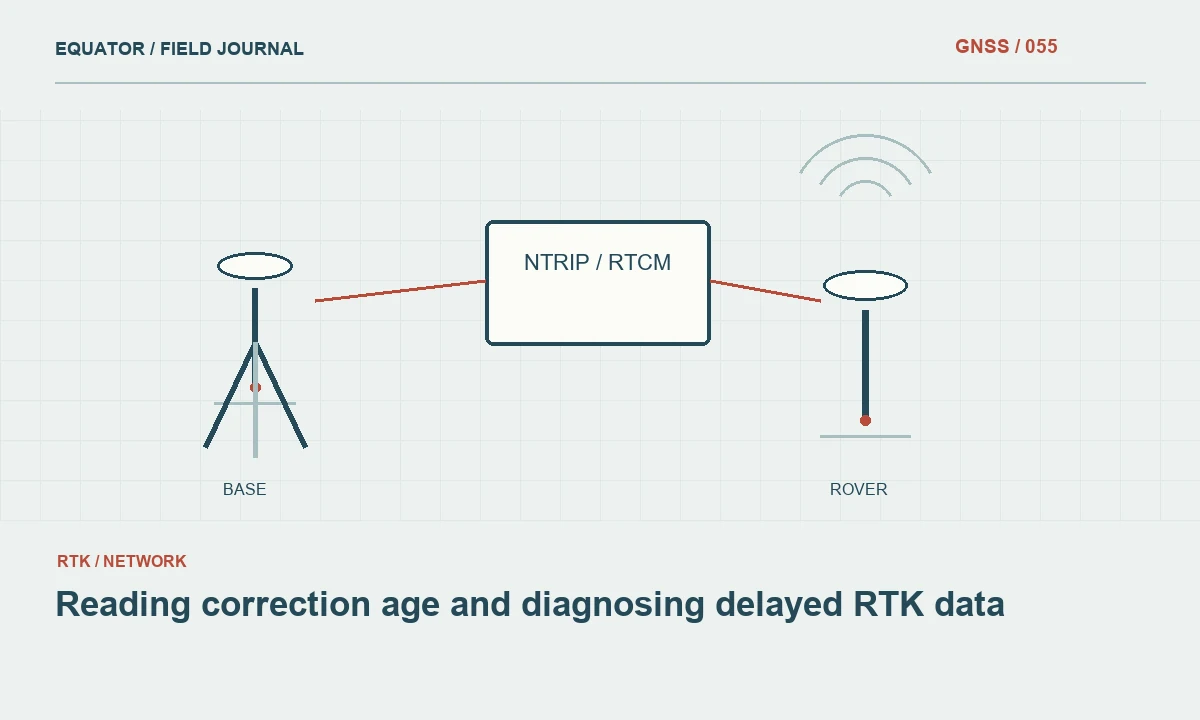
For an internet workflow, data travel from a reference source through a server or caster, across a network connection and into the rover or controller. Delay can arise at several points. A weak mobile signal is one possibility, but an overloaded source, interrupted upstream link or local application issue can produce similar symptoms. Draw the actual equipment path before troubleshooting so each link has a clear role.
For a radio workflow, examine the transmitter, receiver, antennas and terrain between them. The rover may receive packets intermittently as the operator moves behind obstructions. A problem appearing only in one part of a site suggests a different investigation from a delay affecting every rover simultaneously. Use observations from other crews when available to separate a shared source interruption from a local equipment problem.
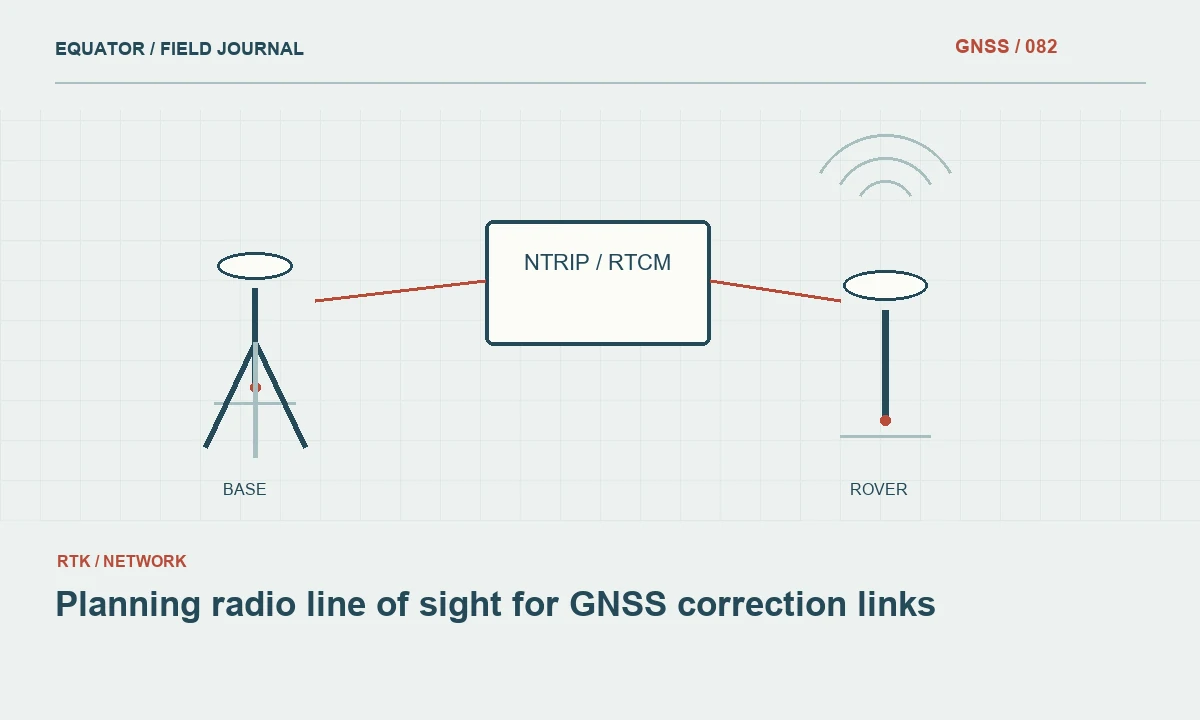
Continue learning Planning radio line of sight for GNSS correction links
Observe patterns instead of one number
Watch whether the age grows steadily, jumps occasionally or repeatedly returns to a low value after a burst of data. A steadily increasing value often means the rover has stopped receiving timely usable information. Bursts may suggest an intermittent link or buffering. These patterns are diagnostic clues, not definitive proofs. Note the time and location so the event can be compared with network or reference station logs.
Record whether the solution changed at the same time. A transition from fixed to float after a communications interruption is different from an unchanged status with a coordinate jump. Preserve the sequence if possible. A photograph of the controller after the problem has ended may omit the evidence needed to understand it. Short structured field notes can be more informative than a long description written from memory later.
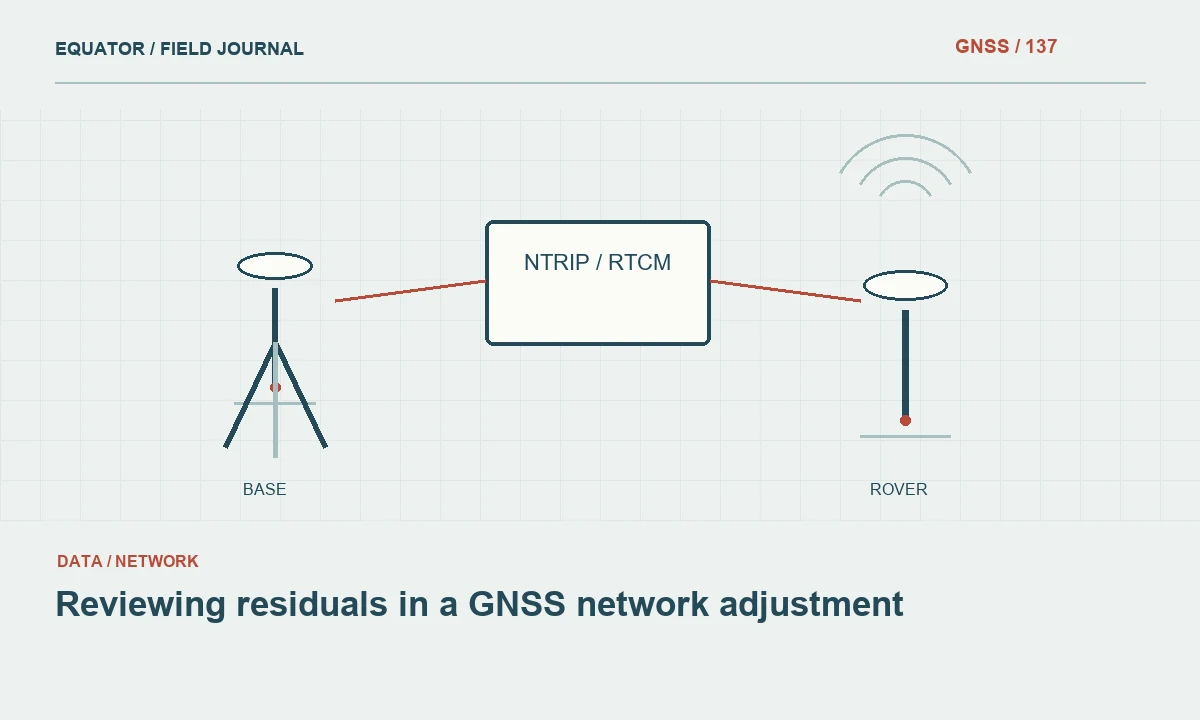
Continue learning Reviewing residuals in a GNSS network adjustment
Set an acceptance procedure
Choose project criteria using the equipment guidance, correction service conditions and intended application. Do not copy a correction age limit from another instrument without checking its meaning. Configure alarms or filters where the controller supports them, then test that the crew actually notices them. A filter is useful only if its settings are documented and its behaviour is understood before production begins.
Define what happens when the limit is exceeded. The crew may pause point collection, move to an area with better communications or change to an approved alternative workflow. Mark any observations collected during the interruption for review. Avoid silently accepting them because the display later returned to normal. The observations belong to the conditions at their collection time, not the conditions that followed.
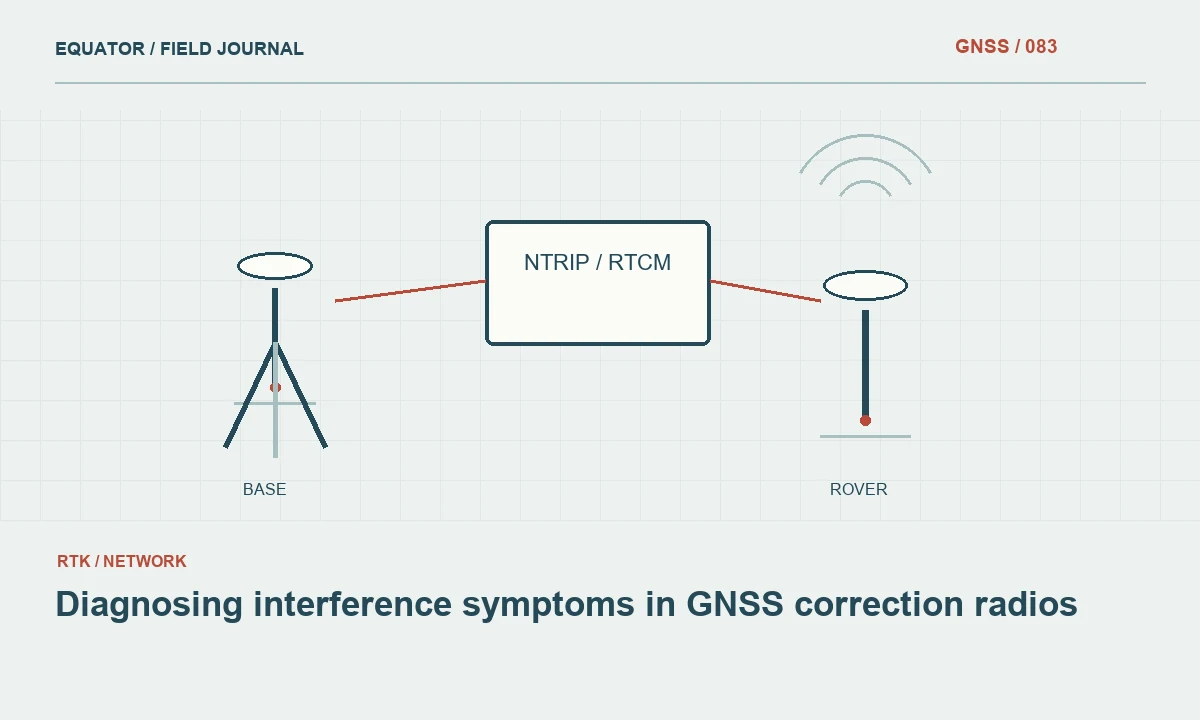
Continue learning Diagnosing interference symptoms in GNSS correction radios
Troubleshoot in a controlled order
First confirm that the selected stream and reference source are the intended ones. Then examine mobile data availability, radio reception, cables and local connections as appropriate. Restarting every component at once may restore operation, but it removes evidence about which part failed. Where time permits, change one component or setting at a time and record the outcome.
If the problem affects multiple rovers using the same source, contact the service operator with timestamps, stream identification and a concise symptom description. Keep credentials out of screenshots and shared reports. If only one rover is affected, compare its configuration and network path with a working unit. Matching a known working setup is more efficient than changing unrelated receiver options at random.
Continue learning Correction age and latency: why a connected rover can still struggle
Verify recovery at a known point
A falling correction age indicates that data delivery has resumed, but the positioning workflow still needs a recovery check. Allow the receiver to reach the required solution state and occupy a suitable check point. Compare the result with the project criteria. This step tests whether the restored connection is using the correct source and settings as well as whether the rover can again produce acceptable coordinates.
Preserve the interruption interval and any points collected near it. If the service or mountpoint changed during recovery, record the new identifier explicitly. A later reviewer should be able to distinguish pre-interruption and post-interruption work without guessing from file timestamps. Where raw observations were recorded, retain them with their associated configuration so alternative processing remains possible if the project requires it.
Continue learning Planning radio line of sight for GNSS correction links
Use delay records to improve planning
Map recurring delay locations and compare them with terrain, buildings and mobile coverage. The result may support a different communications method, an additional reference arrangement or a revised field route. Avoid treating an occasional successful connection as proof that a difficult location will support an entire production session. Timeliness should be evaluated across the actual period and movement pattern of the work.
Include significant correction interruptions in the survey report, along with the checks used to resume work. The aim is a traceable record of operational decisions, not a claim that an uninterrupted internet connection guarantees accuracy. Understanding correction age helps the crew connect the data delivery system to the measurement procedure and recognize when continued collection would create uncertainty that could have been avoided.
Continue learning Reviewing residuals in a GNSS network adjustment
A delay log that support can use
When reporting a correction delay, include the local time convention, stream identifier, device model and the pattern observed. For example, explain whether the age increased continuously after a particular location or repeatedly dropped after short bursts. Note whether another rover using the same source experienced the event. This information helps a service operator compare the report with source and caster records without asking the crew to recreate the incident from memory.
Keep a simple table with event start, affected work interval, action and successful recovery check. Do not include account passwords or full private connection screenshots in a broadly shared report. If the issue recurs only beyond a ridge, include a map reference or point identifier rather than a vague description of poor coverage. A well structured delay record turns an intermittent nuisance into evidence for improving the communications plan and gives the office a defensible basis for identifying which observations need review.
Check whether exported quality fields preserve the correction age observed during collection or only a later summary. Software behaviour can differ, so verify it with a controlled test. If the required history is absent, use an appropriate event log rather than assuming the final coordinate file contains evidence that was never stored.
Continue learning Diagnosing interference symptoms in GNSS correction radios
Practical checklist
- Learn how the receiver defines correction age.
- Pause and flag observations when the project criteria are exceeded.
- Verify coordinates at a check point after the data stream recovers.
Plan your GNSS setup
Compare the EQ10 and EQ20 receiver specifications, then discuss the configuration and support your project needs.
Compare GNSS receivers